Blue File Manager: A Comprehensive File Management Tool for Android
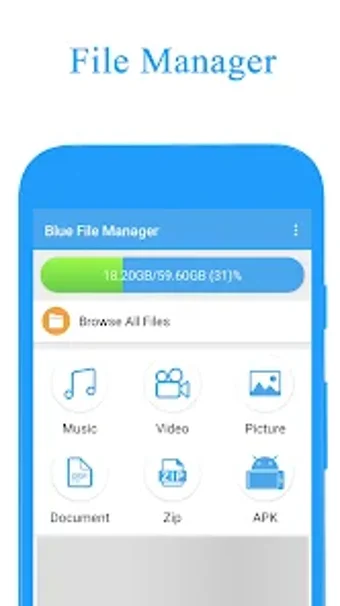
Blue File Manager is a free Android application that offers a comprehensive file management solution. Developed by Benjamin Luke Packwood, the app allows you to manage all files on your device, including creating, deleting, viewing, and renaming files.
One of the standout features of Blue File Manager is the ability to view files by category, making it easier to locate specific files. The app also comes with a similar photo management tool that helps you filter photos with high similarity. With this feature, you can easily identify and delete duplicate photos, freeing up valuable storage space on your device.
Another great feature of Blue File Manager is the sensitive permissions management tool. The app identifies which applications request sensitive permissions, helping you to keep your sensitive information safe. Additionally, the app has a large file management tool that allows you to filter files that take up a lot of space and an application management tool that lets you uninstall installed applications.
Overall, Blue File Manager is a great file management tool for Android users. Its comprehensive features and user-friendly interface make it a must-have app for anyone looking to manage their files efficiently.